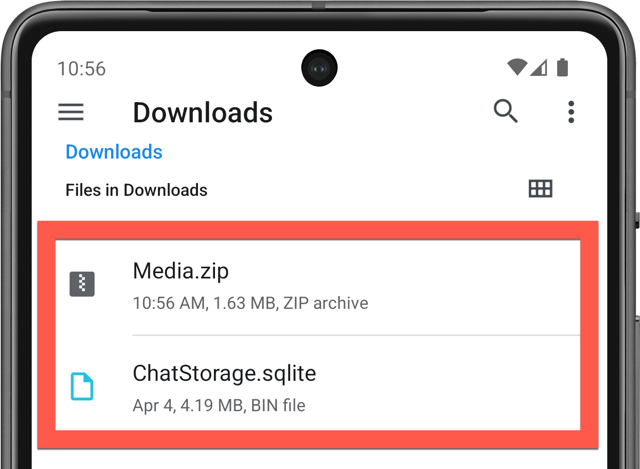
After extracting (Windows, Mac) your iPhone's WhatsApp archive (ChatStorage.sqlite), you need to move it to your new Android device. You need to place it inside the Download folder, as shown below.
Was this article helpful?
That’s Great!
Thank you for your feedback
Sorry! We couldn't be helpful
Thank you for your feedback
Feedback sent
We appreciate your effort and will try to fix the article