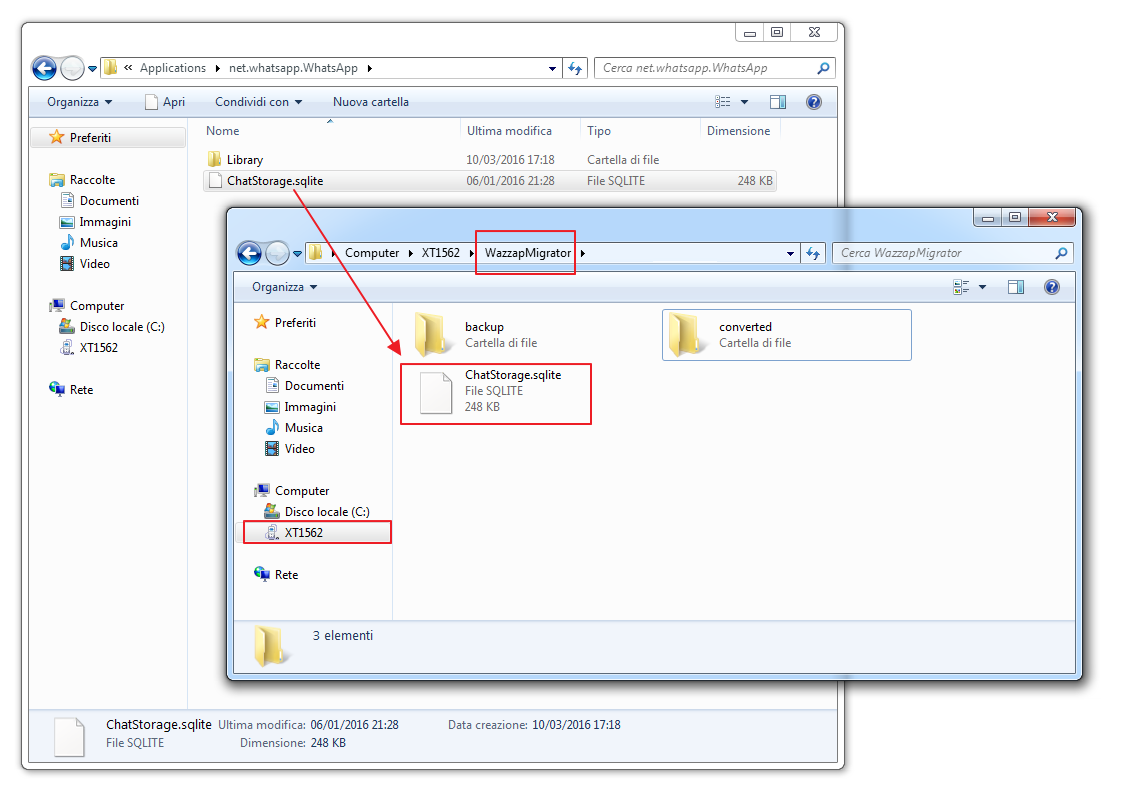
You can copy your ChatStorage.sqlite from your PC to Android in several ways:
- By USB with Android File Transfer for Mac
- By USB with Kies or Samsung Switch for PC/Mac
- By USB with standard Windows copy (more info here, e.g., Samsung S6)
- By cloud: transferring with Dropbox or Google Drive
More info on where to put ChatStorage.sqlite
If Windows asks you to convert the media before moving them to Android, do not accept. Files need to be moved as they are, otherwise WhatsApp will not be able to import them.
Was this article helpful?
That’s Great!
Thank you for your feedback
Sorry! We couldn't be helpful
Thank you for your feedback
Feedback sent
We appreciate your effort and will try to fix the article